

The best travel journal app is the one you will actually open at the end of a long day on the road. For most travellers that means an app that works offline, saves photos and locations with each entry, and lets you export your writing later. Day One, Journey, Polarsteps, Notion, Apple Journal and a plain notes app each suit a different style of trip, and this guide compares them so you can pick one in a few minutes.
If you are still deciding whether to keep a travel log at all, start with our travel journal guide. If you already know you want a digital one, read on.
What Makes a Good Travel Journal App?
Travel is a strange environment for software. Wi-Fi is patchy, batteries drain fast, and you are usually tired when you finally sit down to write. An app that is lovely at home can be frustrating on a bus in another country.
Before comparing individual apps, it helps to know which features matter most. These are the ones travellers tend to care about once they are actually on the road.
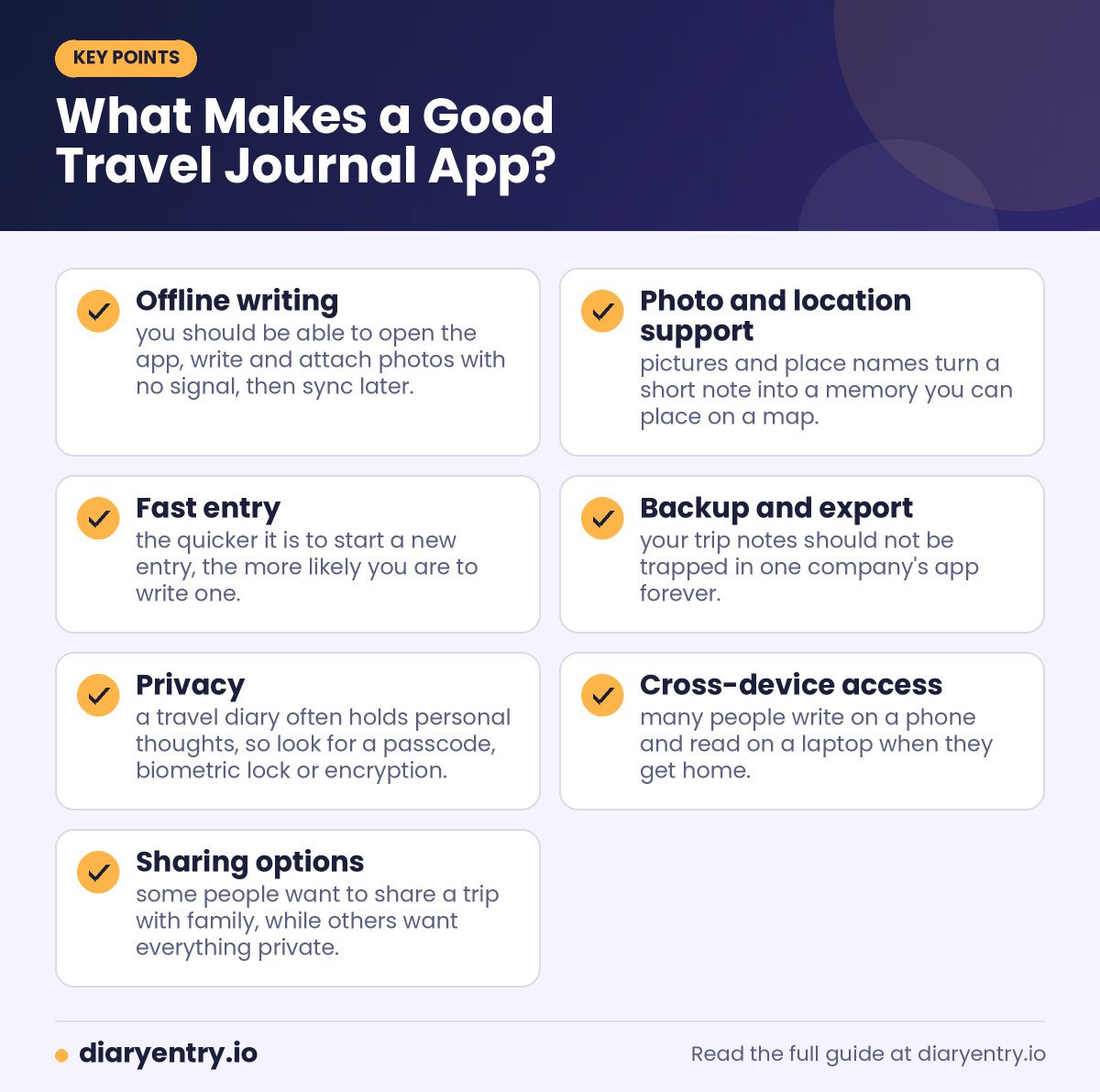
- Offline writing: you should be able to open the app, write and attach photos with no signal, then sync later.
- Photo and location support: pictures and place names turn a short note into a memory you can place on a map.
- Fast entry: the quicker it is to start a new entry, the more likely you are to write one.
- Backup and export: your trip notes should not be trapped in one company’s app forever.
- Privacy: a travel diary often holds personal thoughts, so look for a passcode, biometric lock or encryption.
- Cross-device access: many people write on a phone and read on a laptop when they get home.
- Sharing options: some people want to share a trip with family, while others want everything private.
Keep this list in mind as you read the comparisons below. No app will tick every box, so decide which two or three matter most to you.
Travel Journal App Comparison at a Glance
The table below gives a quick overview. Features and pricing change often, so always check the current details in the app store before you commit.
| App | Best for | Offline use | Photos and places | Sharing |
|---|---|---|---|---|
| Day One | Polished daily journaling | Yes | Photos, location and weather details | Private by default |
| Journey | Cross-platform writers | Yes | Photos and location | Private by default |
| Polarsteps | Automatic trip maps | Tracks trips in the background | Photos and route map | Easy to share with followers |
| Apple Journal | iPhone users who like suggestions | Yes | Photos, places and activity prompts | Private |
| Notion | Planning plus journaling | Limited offline | Photos and embedded maps | Shareable pages |
| Simple notes app | Minimalists | Yes | Photos | Basic |
| Paper plus scanner | People who love handwriting | Always | Photo of each page | Manual |
The Best Travel Journal Apps Reviewed
1. Day One: Best for a Polished Daily Habit
Day One is one of the best-known journaling apps, and it works well for travel because each entry can carry photos, a location and other details automatically. Entries look clean, and the timeline view makes it easy to scroll back through a trip day by day.
It suits travellers who already journal and want a single place for everything, at home and abroad. The main trade-off is that some features sit behind a paid plan, so check what is included before you rely on it for a long trip.
2. Journey: Best for Writers Who Use Different Devices
Journey is a flexible journaling app that works across several platforms, which helps if you write on an Android phone and read on a laptop. You can add photos, tag locations and organise entries by trip.
Choose it if you want a familiar diary feel with a calm layout. As with most journaling apps, syncing and backup features may depend on the plan you choose.
3. Polarsteps: Best for Automatic Trip Tracking
Polarsteps takes a different approach. Instead of focusing on long diary entries, it tracks where you go and builds a map of your route, then lets you add photos and short notes to each stop. Friends and family can follow along if you choose to share.
It is a good fit if you find writing every day difficult but still want a record of your journey. If you prefer to write at length about how a place made you feel, you may want to pair it with a more traditional journal.
4. Apple Journal: Best for iPhone Owners Who Want Gentle Prompts
Apple’s own Journal app is built into recent versions of iOS. It can suggest moments to write about based on things like photos, places and activity on your phone, which is handy when you cannot think what to say.
It is free with the phone and keeps things simple. The obvious limit is that it is for Apple devices, so it is not ideal if you also use Android or Windows.
5. Notion: Best for Planning and Journaling Together
Notion is not a dedicated journaling app, but many travellers use it as a trip hub. You can keep your itinerary, booking details, packing list and daily entries in one workspace, and share selected pages with travel companions.
It rewards people who like to set up their own system. The downside is that it asks more of you in setup, and offline access can be limited compared with simpler apps.
6. A Simple Notes App: Best for Minimalists
Never underestimate the notes app already on your phone. It opens instantly, works offline, and can hold text, photos and even voice memos. For many travellers, that low friction is exactly what keeps the habit alive.
The weakness is structure. Entries can pile up without dates or organisation, so adopt a simple habit such as starting every note with the date and city.
7. Handwriting Plus a Scanner App: Best for Paper Lovers
Some people want the feel of pen on paper while travelling. A good compromise is to write in a small notebook and photograph each page with your phone each evening. You get the pleasure of handwriting and a digital backup in case the notebook is lost.
If you want ideas for what to put on those pages, our travel journal page is a useful place to start.
8. A Voice Memo Habit: Best for Tired Evenings
On days when typing feels like too much, a short voice memo can capture the sights, sounds and feelings before they fade. You can transcribe or summarise it later. This works as a back-up method rather than a main journal for most people, but it saves many entries that would otherwise be skipped.
How to Choose the Right App for Your Trip
The right choice depends on your trip, your personality and your phone. Work through these steps and you will land on an answer quickly.
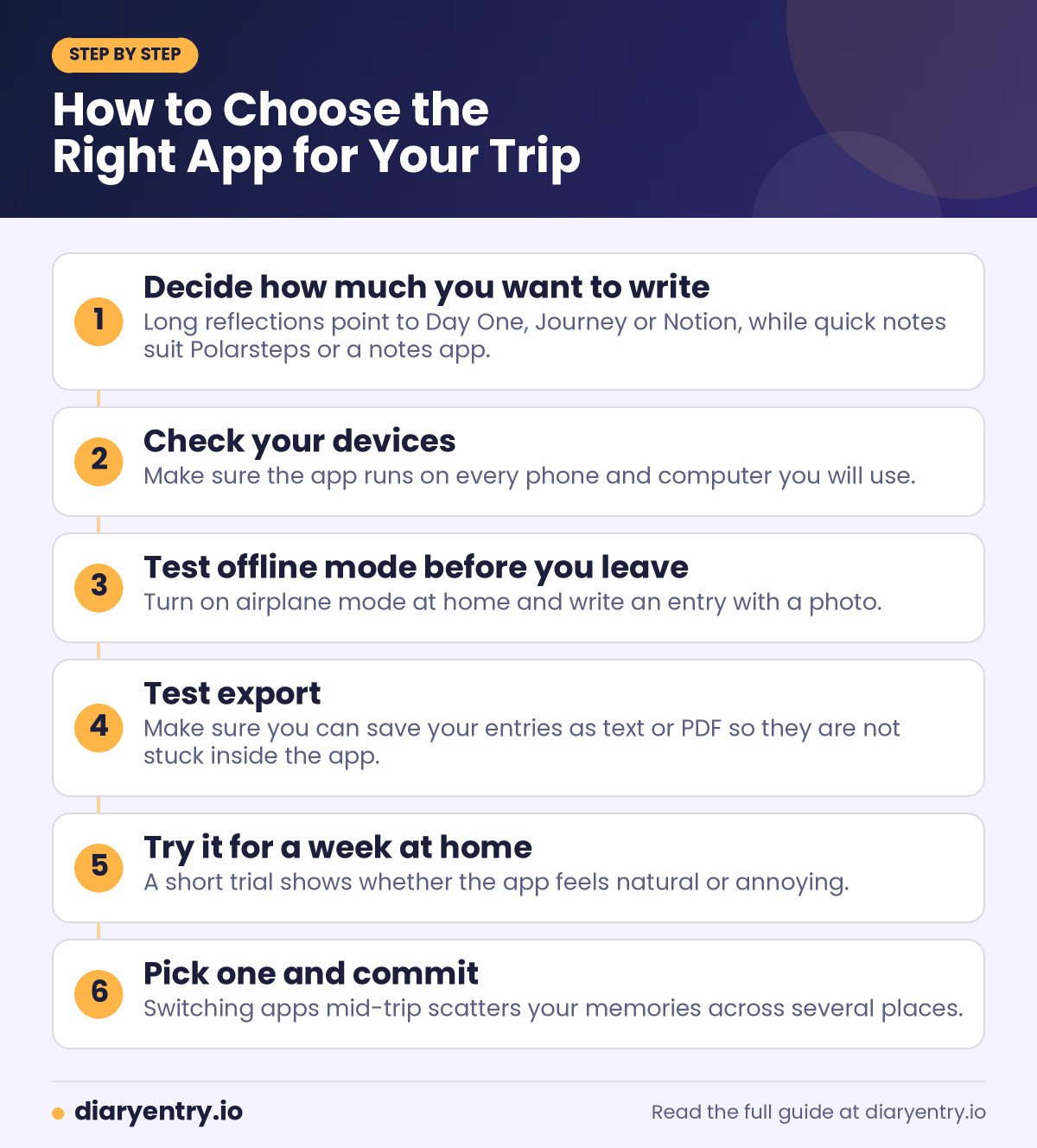
- Decide how much you want to write. Long reflections point to Day One, Journey or Notion, while quick notes suit Polarsteps or a notes app.
- Check your devices. Make sure the app runs on every phone and computer you will use.
- Test offline mode before you leave. Turn on airplane mode at home and write an entry with a photo.
- Test export. Make sure you can save your entries as text or PDF so they are not stuck inside the app.
- Try it for a week at home. A short trial shows whether the app feels natural or annoying.
- Pick one and commit. Switching apps mid-trip scatters your memories across several places.
Offline Writing, Battery and Backup Tips for the Road
Good habits matter as much as the app. A few simple precautions will protect your entries.
- Write offline by default and let the app sync when you reach reliable Wi-Fi.
- Carry a small power bank so a flat phone does not end your journal.
- Back up photos separately, and export your journal at the end of each week.
- Keep a short list of key facts in a note, such as dates, places and names of people you met.
- Add a passcode if your journal contains private thoughts.
What to Write in a Digital Travel Journal
Many people download an app and then stare at a blank screen. A simple structure removes the pressure. You do not need to write well, only honestly.
A Simple Daily Template
Try answering these five prompts each evening. Together they take about five minutes. For more layouts, see our diary template formats.
- Where did I wake up and where did I sleep?
- What was the best moment of the day?
- What surprised me?
- What did I eat, hear or smell that I want to remember?
- What would I tell a friend about today?

A Sample Entry
Here is what a short entry might look like when written quickly in an app:
Day 4, Jaipur. Woke early to avoid the heat and walked to the market before the shops fully opened. The best moment was a tea seller who insisted I try his sweet chai and would not accept payment for the second cup. I was surprised by how calm the city felt before nine. Tomorrow: the fort, and bring more water.
Notice how little it takes. A few specific details make a travel entry feel alive years later. You can compare more styles in our journal examples.
Prompts for Slow Days
- Which small decision today changed how the day went?
- What am I missing from home, and what am I glad to have left behind?
- Which stranger was kind to me today?
- What would I do differently if I could repeat this day?
For more writing ideas you can reuse on any trip, see our list of journal prompts.
Common Mistakes When Using a Travel Journal App
Most travel journals fail for ordinary reasons, not because the traveller lacks discipline. Avoid these mistakes and you will already be ahead.
- Waiting until the trip ends to write. Memories blur quickly, so write a few lines each day.
- Choosing a complicated tool. If setup feels like homework, you will stop using it.
- Relying on a single copy. Phones are lost, stolen and dropped, so export your entries regularly.
- Writing only facts. A list of places visited is useful, but feelings and small details are what you will want later.
- Aiming for perfect entries. Messy notes are better than none.
- Ignoring privacy. Check what is shared by default, especially if the app has a social side.
Digital vs Paper Travel Journals
Neither format is better in every situation. A digital journal is easy to search, back up and carry, while paper feels personal and needs no battery.
| Factor | Digital app | Paper notebook |
|---|---|---|
| Weight and space | Nothing extra to carry | Adds a small weight |
| Photos | Built in | Need printing or glue |
| Search | Instant | Manual flipping |
| Battery | Needed | Not needed |
| Risk of loss | Low if backed up | High if the book is lost |
| Feel | Convenient | Personal and tactile |
Many travellers combine both: a paper notebook for sketches and quick thoughts, and an app for photos and backup. If you are curious about the wider idea of keeping a journal on screen, our guides to online journaling and the electronic diary explain the options in more depth, and our roundup of the best journaling software covers general-purpose tools.
Turning Your Trip Notes Into Something Lasting
A journal becomes more valuable when you revisit it. Within a few weeks of coming home, read through your entries and highlight your favourite moments. You can then turn them into a short story, a photo book, a blog post or simply a tidy PDF for your family.
Some apps can create printed books from your entries, and many let you export a text file. Whatever route you take, keep one master copy somewhere you control, such as cloud storage you already trust.
Building the habit of writing every day is the hardest part, and it helps to follow a plan. Our 4-Week Diary Entry Course walks you through a daily writing routine that you can carry from home onto the road. The benefits of keeping a daily journal are worth knowing too.
Frequently Asked Questions
What is the best travel journal app for beginners?
A simple, well-designed app such as Day One, Journey or Apple Journal is a good starting point because entries are quick to create. If even that feels like too much, begin with your phone’s notes app and move to a dedicated app later.
Are there free travel journal apps?
Yes. Apple Journal is free on supported iPhones, your phone’s notes app costs nothing, and several dedicated apps offer free tiers with limits. Check each app’s current plans because pricing changes.
Can I use a travel journal app without internet?
Most journaling apps let you write offline and sync later, but it depends on the app. Test airplane mode at home before you travel to be sure.
Which app is best for tracking my route automatically?
Polarsteps is built around automatic route tracking and trip maps. It works best alongside a regular journal if you also want to write longer reflections.
How do I keep my travel journal private?
Use an app with a passcode or biometric lock, avoid public sharing settings, and keep a private backup of your exports. Read the privacy settings before you add personal details.
Is a paper or digital travel journal better?
It depends on what you value. Digital is easier to back up and search, and paper feels more personal. A mix of both works well for many people.
Conclusion
The best travel journal app is the one that fits your habits, works offline and keeps your memories safe. Day One and Journey suit writers, Polarsteps suits people who prefer maps to paragraphs, Apple Journal and a notes app suit anyone who wants the simplest route, and Notion suits planners. Test one for a week before you fly, back up regularly, and write a few honest lines each day. If you would like guidance on turning that into a lasting habit, explore the 4-Week Diary Entry Course.